
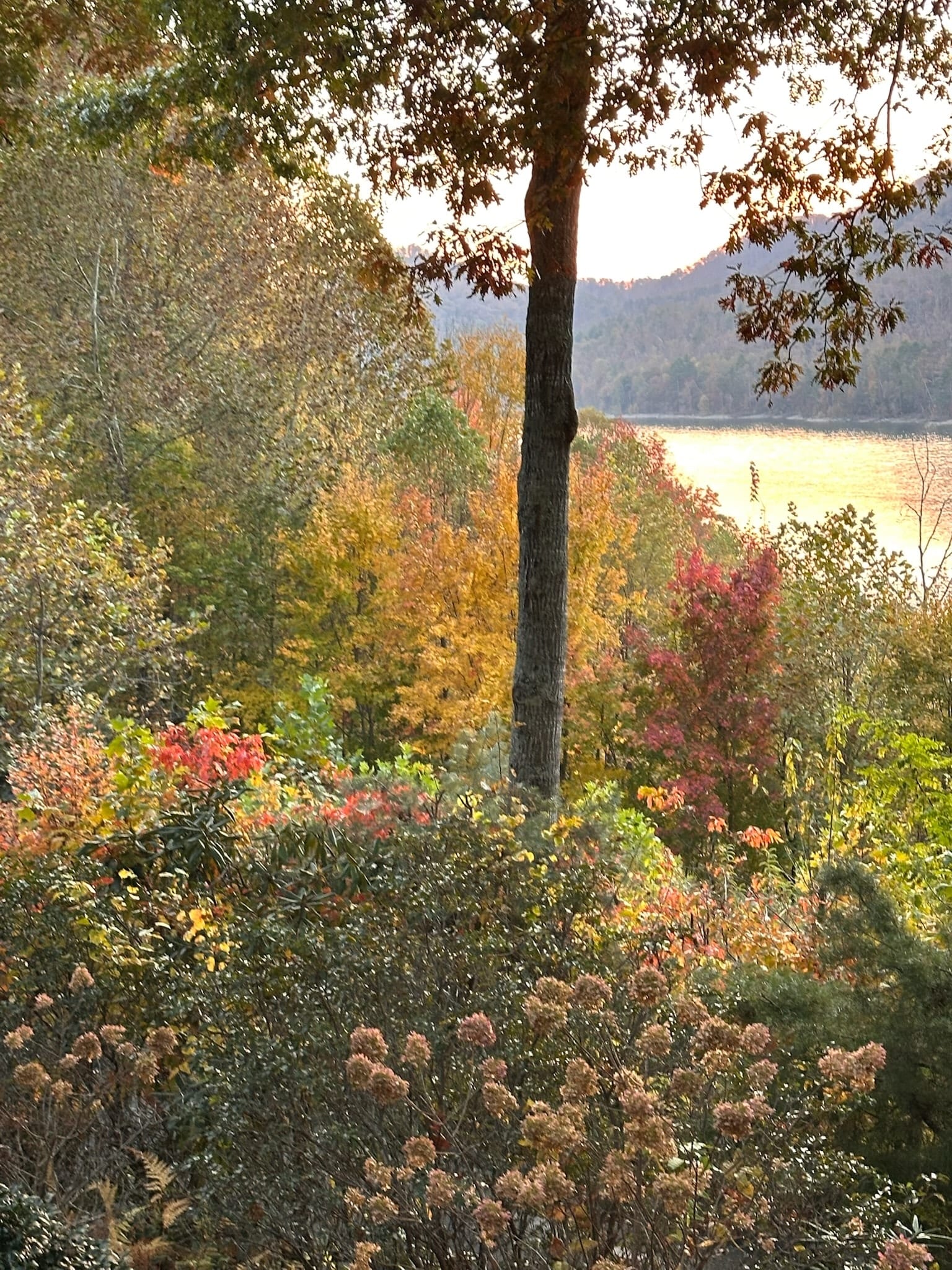
Working remotely from Watauga Lake
A practical guide to using the Butler townhouse as a workation base. WiFi reality, cell service truth, where to take a walking call, what to plan around.
By Bill · May 5, 2026
On this page
A growing slice of our guests are working from the house for part or all of their stay. Some are doing five days of work and a long weekend on the back end. Some are doing the full month-long workation that became a thing post-2020. A few are running businesses from the deck for a week at a time, on their schedule.
This is the practical version of what works and what doesn’t.
I’ll say up front: I worked remotely for the last six years of my corporate career, and Karen still does a few hours of consulting most weeks. We set this property up with that in mind. The desk areas, the WiFi, the second bedroom you can close the door on for a call — those weren’t accidents. But there are real constraints out here that you should know about before you commit a deadline week to a lake house.
The WiFi, in detail
The house has a symmetric business-tier fiber connection through the local provider. Real numbers from a recent speed test: 300 Mbps down, 300 Mbps up, ping in the low 20s. That’s plenty for what most knowledge workers need — and the symmetric upload is the part most lake rentals can’t match.
What this means in practice. HD video calls work fine. Screen sharing works fine. Two people on simultaneous video calls in different rooms works fine; we test it. Large file uploads to S3 or Drive feel almost identical to downloads. Streaming 4K and video calling at the same time works fine. Gaming has acceptable latency for most things but I wouldn’t pick the house for a competitive ranked weekend.
The router is mesh and there’s a node on each floor. Coverage is solid throughout the house and onto the deck. The dead spot, such as it is, is the far corner of the queen bedroom balcony, where you’ll drop to about half speed. Still workable for a call, just not great for a big upload.
Outages happen. We’ve had three in the last twelve months, all storm-related, all resolved within two hours. The provider is reasonably responsive. We have a backup plan but it requires the Verizon hotspot we keep in our own house, which isn’t at the rental. If you absolutely cannot afford to be offline for two hours during a workweek, bring your own hotspot. Verizon works at the property; AT&T does in a pinch.
The cell service, in painful detail
This is where I have to give you the truth that some lake-area listings hide.
Verizon is the best carrier at the property. Inside the house you’ll get one to two bars of LTE most of the time, enough for calls and texts. On the deck or the balcony you’ll get full LTE, often 5G. Karen and I both run Verizon as our personal lines and we don’t think about it.
AT&T is workable but inconsistent. Inside the house, you might get a bar that won’t carry a call. Outside on the deck, mostly fine. Texts come through. Data is slow.
T-Mobile is the painful one. Inside the house, T-Mobile is essentially dead. On the deck, it sometimes works and sometimes doesn’t. We’ve had T-Mobile guests realize on day one that their phone doesn’t function and either switch to WiFi calling for the week or eat a $30 prepaid Verizon SIM from the gas station in Hampton. If you’re T-Mobile, plan for WiFi calling from the jump.
WiFi calling works well in the house regardless of carrier as long as your phone supports it (most do, you may have to turn it on in settings). For most modern guests this makes the cell question moot. Just turn it on before you arrive.
For SMS-based 2FA on T-Mobile and AT&T, the failure mode is slow delivery, not no delivery. Your bank’s verification text might take five minutes to land. Build that into your morning.
Where to actually work in the house
The kitchen table is the obvious answer and it’s fine. Big surface, good light from the lakeside window, comfortable chair, in the middle of the action which is a plus if you like background noise and a minus if you don’t.
The better answer for serious calls is the queen bedroom upstairs. Close the door, sit at the small desk by the window, you’ve got privacy, good light, and a quiet background for video. The balcony is right there if you want to pace during a long call. This is where I’d set up if I were trying to focus.
The king bedroom works too. The bed is the best one in the house, the natural light is north-facing and good for video, and there’s a chair in the corner that works as a laptop spot. The downside is no desk in there, so you’ll be laptop-on-knees or laptop-on-bed.
The living room sofa is a fine spot for low-stakes work — Slack, email, reviewing docs — but the lighting for video calls there is from behind and you’ll look like a hostage. Don’t take video calls from the sofa.
The deck is romantic in theory and works in practice for about three weeks a year. Glare on the laptop is constant in the morning, the chairs aren’t built for an eight-hour day, and in summer it’s hot. Take your stand-up call out there. Don’t try to do focused writing.
Where to take a walking call
This is something I get asked about a lot. Knowledge workers want to do walking one-on-ones. Out here:
Best option: the loop around the neighborhood. From the front door, walk down the hill to Dry Hill Road, take a right, walk for about ten minutes to the next intersection and back. Low traffic, mostly safe shoulder, good Verizon and AT&T signal the whole way. About 25 minutes round trip if you’re walking-and-talking pace. This is what I do for one-on-ones.
Second option: drive five minutes to the public boat launch. Park, walk the shoreline. Lake on one side, no traffic. Cell signal is workable on Verizon, spotty on AT&T, mostly dead on T-Mobile. This is the option if you want the call to feel like a vacation.
Third option: the Appalachian Trail from Shook Branch. Fifteen minutes from the house, $2 day-use fee. The flat lakeside section is good for a longer walking call. Verizon holds up most of the way. Just turn around before the trail climbs into the woods — signal drops fast after that.
What I would not do: drive into Elizabethton for a coffee shop call. The drive is twenty-five minutes each way and the coffee shops there aren’t really set up for remote work, with limited outlets and small tables. If you need a coffee shop day, the better option is the public library, which is quiet, has tables, fast WiFi, and outlets.
Time zones, and what hours work
The townhouse is on Eastern Time. Tennessee is in two time zones but Butler is in the eastern half.
For East Coast colleagues: works perfectly. You’re in their time zone.
For West Coast colleagues: also works, with a small tax. You’ll have your mornings before they’re online, which is great for focused work. The cost is that their late-day calls run into your dinner. A 4 PM Pacific is 7 PM here, and that does eat into the lake evening.
For UK colleagues: harder. The five-hour difference means their workday ends at noon yours. If you have UK reports who need real time, your morning is going to be heavy and your afternoon is freed up. That can actually work well — early calls, then go hike at 2.
For Asia-Pacific: this is the toughest. There’s no good time. You’ll either be doing late nights or very early mornings, and the trip will feel less like a workation. I’d skip the lake for a week with heavy Asia-Pacific load.
Planning the workweek
Some specifics that have helped guests.
Arrive on a Sunday, not a Monday. Sunday late-afternoon arrival gives you Sunday evening to settle, unpack, do groceries at IGA in Elizabethton on the way through (the Mercantile is closed Sundays), set up your workstation, test the WiFi for your specific meeting platform. Monday morning you start work like you’re at home. Trying to drive in Monday morning and start work at 9 is a stressful day.
Block your Friday afternoon. The reward of a lake workation is the long weekend on the back end. Block 1 PM Friday onward on your calendar. If you can move calls earlier in the week, do.
Decide your “off” rules in advance. The deck and the fire pit are right there. If you let work bleed into them, the trip stops feeling like a trip. Set a hard stop time. We tell guests: laptop closes at 5, the rest of the night is the lake. Easier said than done, but worth saying.
Groceries on Sunday or Monday. The Mercantile is closed Sunday and the IGA in Elizabethton is your serious grocery run. Plan one big shop and you won’t have to interrupt your work week to drive for food.
Lunch break is a lake walk. This is the workation cheat code. Twelve to one, go to the boat launch and walk for forty minutes. You’ll come back to your afternoon a different person. Skip the desk lunch.
What to plan around
A few things have caught guests off guard.
No Amazon same-day. Two-day is fine. Same-day doesn’t exist out here. If you forgot a charger or a specific cable, your options are: drive to Elizabethton for the Walmart, drive to Johnson City for a Best Buy (45 minutes), or wait two days. Pack accordingly.
Power flickers in summer storms. We get afternoon thunderstorms in July and August that occasionally flicker the power for a few seconds. The WiFi recovers in a minute or two. If you’re on a critical call, have your phone hotspot ready as a backup.
No coworking spaces in Butler. The closest real coworking is in Johnson City, about 45 minutes. If your job requires daily office presence at a coworking space, this isn’t your spot.
No grocery delivery. Instacart doesn’t run here. You’ll grocery shop in person or pay for the Mercantile’s small markup. Both are fine. Just plan for it.
Who this works for, who it doesn’t
Works well for: knowledge workers with WiFi-based calls and flexible hours, writers, designers, consultants on East/Central time, founders running a remote team, anyone with a back-loaded workweek where Wednesday afternoon onward is light.
Works less well for: anyone with heavy Asia-Pacific load, people who need physical office presence multiple times a week, jobs that depend on same-day package delivery, anyone whose cell carrier is T-Mobile and who can’t or won’t enable WiFi calling.
How long is the right workation here
We’ve seen everything from three nights to four weeks. The real answer is one week. Two if you’ve got the budget and the flexibility. After two weeks the rural-isolation thing starts to matter for most people who aren’t already rural-isolated by temperament.
The five-night Sunday-to-Friday with a long weekend tacked on is the sweet spot. You get a real workweek done, you get a real weekend, and you go home rested in a way you don’t go home rested from a normal vacation.
If you want to try it, message us about a midweek check-in. The math works better and we can usually do something on the rate for longer stays.
Want to stay at the lake?
Our modern two-bedroom townhouse has sweeping lake and mountain views, a jet tub, and a gas fire pit on the back porch.
Common questions
Is the WiFi actually fast enough for video calls?
Does my cell phone work at the property?
What about a backup if the internet goes down?
Can I expense this as a workation?
More like this
Keep reading
Where to stay on Watauga Lake
A practical look at where to stay around Watauga Lake — the lakefront cabins, the hilltop townhouses
A weekend at Watauga Lake without a car — yes, it's possible
Can you spend a weekend at Watauga Lake without renting a car? A real answer from the hosts, with ri
Twenty-four hours at Watauga Lake
An hour-by-hour itinerary for a single overnight at Watauga Lake. What to skip, what to actually do,
Cherokee National Forest from Watauga Lake
Watauga Lake sits inside the Cherokee National Forest, which is most of why the shoreline is undeveloped and the water is so clear.
The Appalachian Trail at Watauga Lake
The AT crosses on top of Watauga Dam — a 15-minute drive from the door, with one of the most photographed views on the entire 2,200-mile trail.